














USR-TCP232-304 - RS485 to Ethernet - PUSR
Specific project or quantity requirement?
For a multi-site deployment, a specific technical requirement or a volume order, please contact us for tailored advice or a customised offer.
CREATE YOUR ACCOUNT AND DISCOVER OUR SPARWAN ADVANTAGES

Dedicated Sales Representative
Sourcing and Consulting

Partner Rates
and volume discounts

Payment Terms
suited for pros
USR-TCP232-304 - RS485 to Ethernet - PUSR
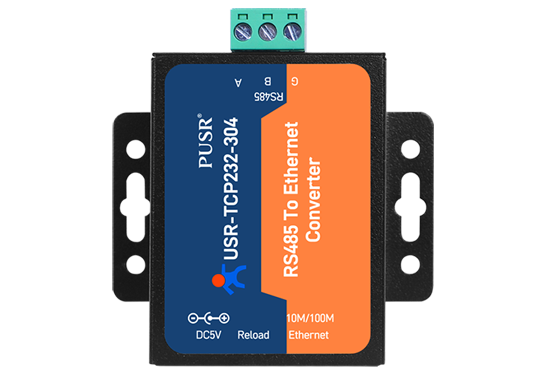
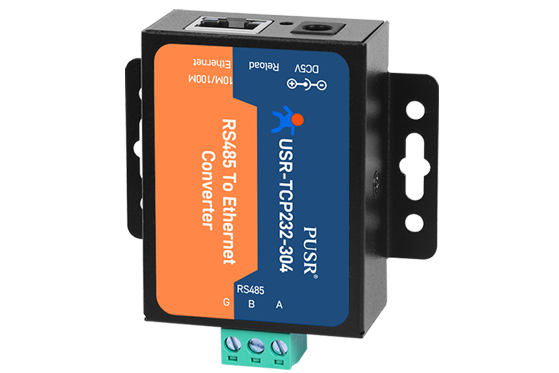
Compact RS485 to Ethernet Converter
The PUSR USR-TCP232-304 is a compact serial to Ethernet converter for connecting RS485 devices to an Ethernet network. It offers a simple solution for making serial devices accessible from a local network or a remote application.
Serial Communication over IP
The converter ensures bidirectional transmission between RS485 and Ethernet. It is suitable for automation, supervision, telemetry, data acquisition, and remote maintenance applications.
Modbus and Network Modes
The USR-TCP232-304 supports TCP Server, TCP Client, UDP, and HTTPD modes. Its Modbus RTU to Modbus TCP gateway function facilitates the integration of RS485 devices into existing industrial systems.
Compact Format
Its small form factor makes panel or flat surface mounting easy. Web page configuration allows for quick and accessible commissioning.
Applications
This converter is suitable for PLCs, meters, sensors, SCADA systems, access control, and industrial equipment using an RS485 link.
Key Features
- RS485 to Ethernet conversion
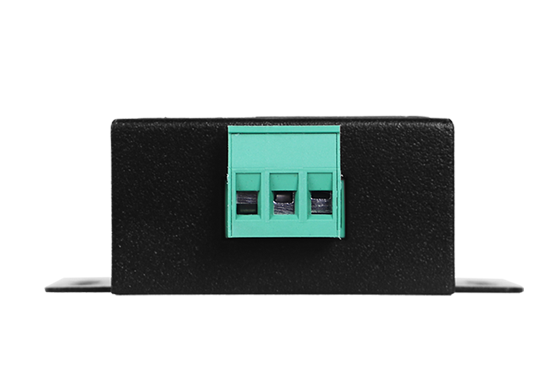
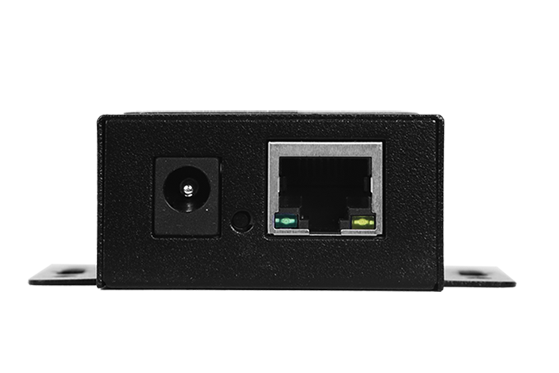
- 1 RS485 port and 1 10/100 Mbps Ethernet port
- Modbus RTU to Modbus TCP gateway
- TCP Server, TCP Client, UDP, and HTTPD modes
- Web interface configuration
- Compact format
| Specifications | |
|---|---|
External I/O |
RS485 to Ethernet, 1 RS485 port, 1 Ethernet port, and Modbus RTU to Modbus TCP
|
Mounting Type |
Panel and Flat surface
|
Number of LAN Ports |
|
LAN/WAN Throughput |
|
|
|
|
Number of Serial Ports |
|
Supported Protocols |
TCP, UDP, HTTPD, Modbus TCP/RTU, and VCOM
|