











WS156 - LoRaWAN E-Ink Screen Controller - Milesight
Specific project or quantity requirement?
For a multi-site deployment, a specific technical requirement or a volume order, please contact us for tailored advice or a customised offer.
CREATE YOUR ACCOUNT AND DISCOVER OUR SPARWAN ADVANTAGES

Dedicated Sales Representative
Sourcing and Consulting

Partner Rates
and volume discounts

Payment Terms
suited for pros
WS156 - LoRaWAN E-Ink Screen Controller - Milesight
WS156 - LoRaWAN Control Panel E-Ink Screen - Milesight
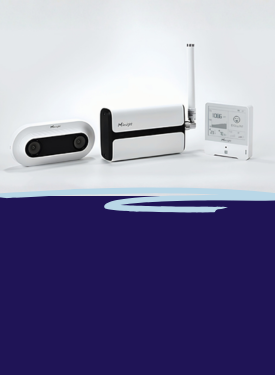
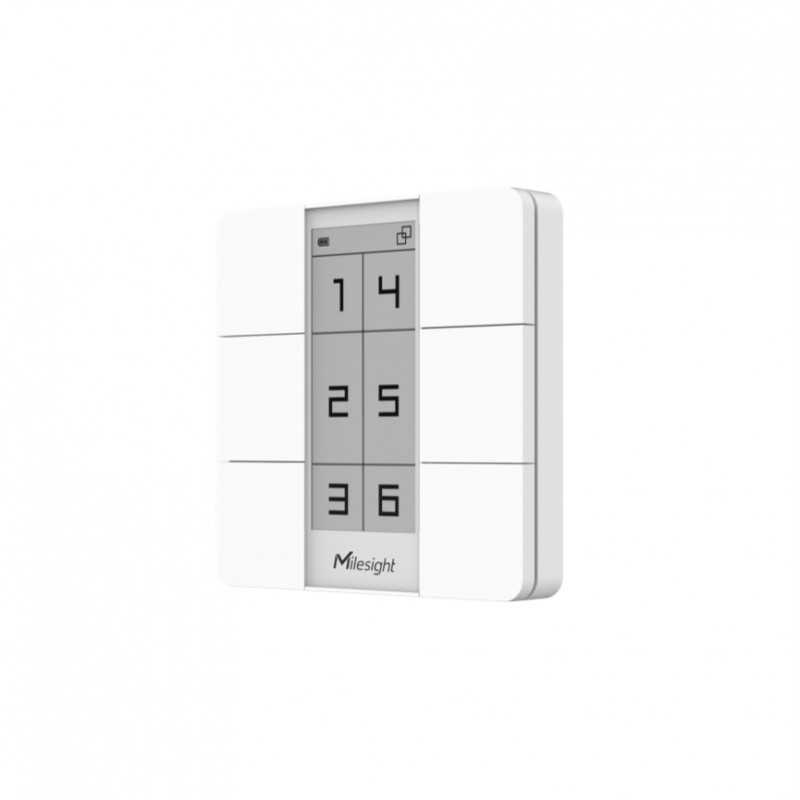
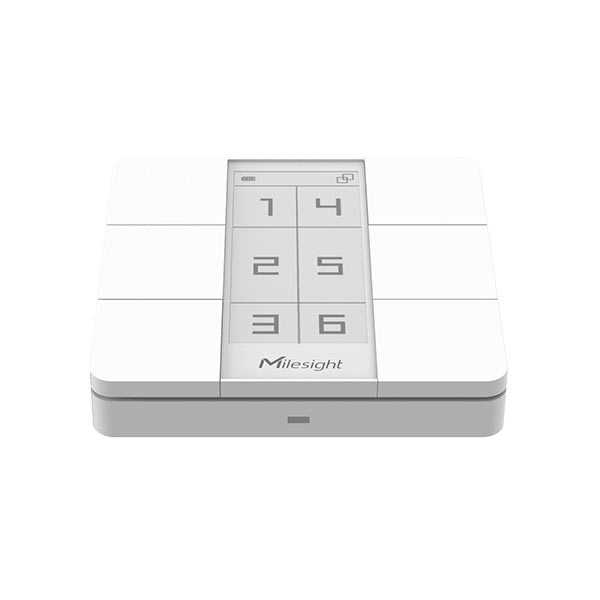
The Milesight WS156 is a LoRaWAN control panel with an E-Ink screen designed to control scenes and actions in a connected building. It combines six control buttons with a local display, making it easier to identify configured uses or scenarios.
Control and Scenarios
The 6 buttons can be associated with scenes, commands, or customized actions depending on the integration. The 2.9-inch E-Ink screen facilitates the readability of displayed information and allows for the creation of a clearer control interface for the end-user.
LoRaWAN Transmission
The WS156 communicates via LoRaWAN in Class A on the 868 MHz band. This mode is suitable for battery-powered devices. It can transmit control events to a LoRaWAN gateway and a compatible IoT platform.
Installation and Configuration
The panel operates with 2 CR2450 lithium coin cell batteries. It can be placed on a desk, fixed with adhesive, or mounted on an 86 mm junction box. Configuration can be done via NFC, mobile application, or downlink.
Applications
The WS156 is suitable for offices, meeting rooms, hotels, shared spaces, and commercial buildings where a local control interface is required. It can be used to simplify the triggering of scenarios and make commands more readable.
Key Features
- LoRaWAN control panel with E-Ink screen
- 6 buttons for scenes and actions
- 2.9-inch E-Ink screen
- LoRaWAN Class A communication at 868 MHz
- Powered by 2 CR2450 coin cell batteries
- Desk, adhesive, or 86 mm junction box mounting
| Specifications | |
|---|---|
Power Supply |
2 CR2450 lithium button cells
|
Mounting Type |
Office, Adhesive, and 86mm Housing
|
Certifications |
CE, FCC, RoHS, and IP30
|
LoRaWAN Class |
|
Battery Type |
|
Estimated Battery Life |
|
Configuration Mode |
|
|
|
|
Frequency Range |
|